
Present reveal.js decks with a presenter view
reveal.js is the best-known framework for HTML presentations and comes with its own speaker view. In practice it often trips over pop-up blockers, displays and video calls. presenthtml offers an alternative as a Mac app.
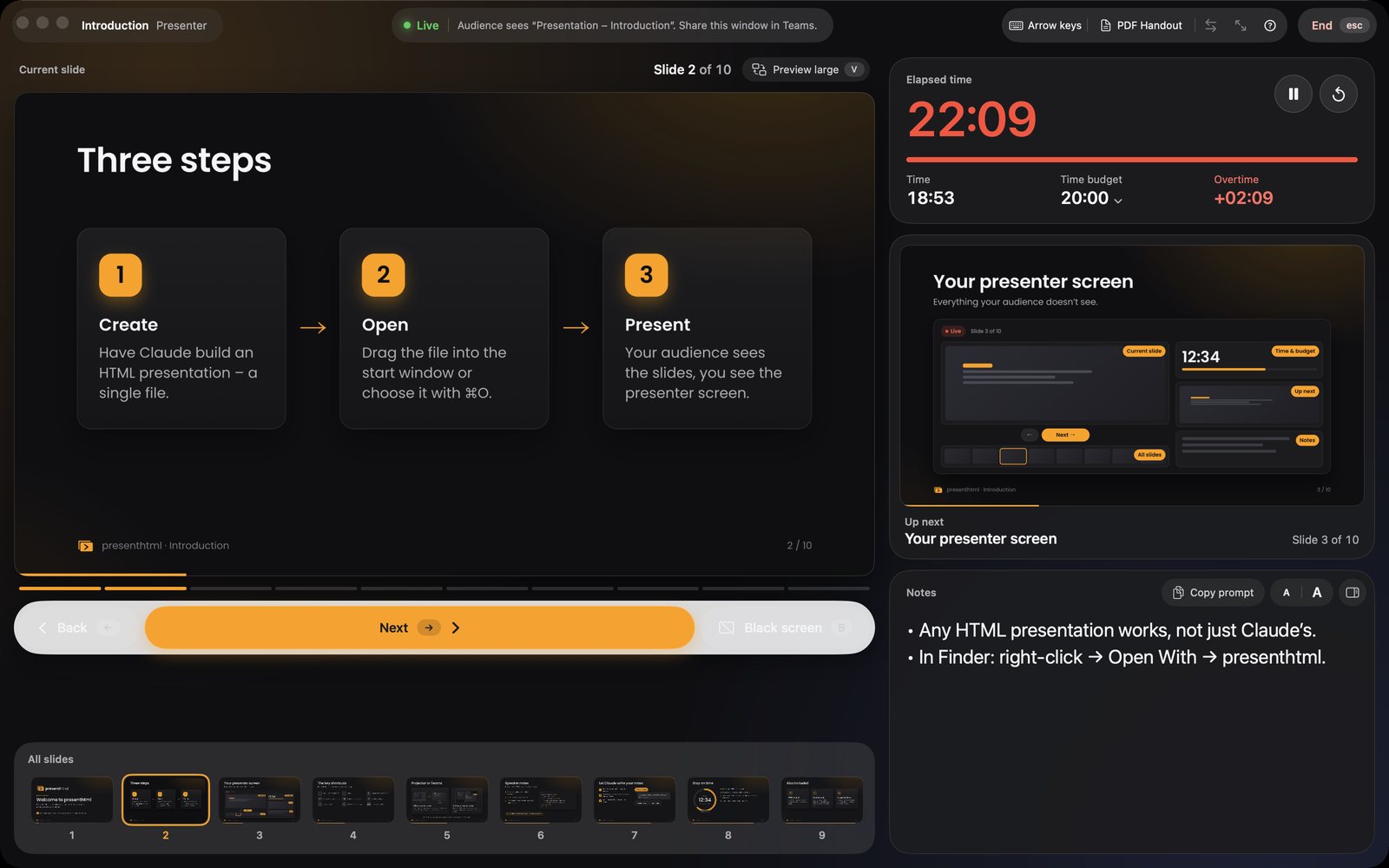
The reveal.js speaker view
reveal.js includes a notes plugin. Press S during the presentation and a second browser window opens with the current and next slide, notes and a clock. For control from another device there is also a Node.js-based notes server.
Where it gets tricky
- Pop-up blockers stop the notes window, especially with locally opened files.
- Arranging windows: presentation and notes have to be dragged to the right displays and switched to full screen by hand.
- Video calls: in Teams or Zoom it’s easy to share the wrong browser window – including your notes.
- Notes servers need Node.js and some setup.
reveal.js in presenthtml
presenthtml opens your reveal.js presentation like any other HTML file. The app detects reveal.js, advances through its API and shows the presenter view in its own window. With a second display, the presentation goes full screen on the projector automatically; without one, it opens in a window you share in Teams. No server is needed, and the file stays local on your Mac.
If the deck loads images, fonts or scripts from its folder, you grant access to that folder once when you first open it. presenthtml remembers it.
Notes and fragments
Write notes as usual with <aside class="notes"> inside each slide. presenthtml reads them through reveal.js and shows them in the presenter view – bullet points as a list, text size from 16 to 44 points. Fragments count as separate steps. The PDF handout shows each slide fully built.
Comparison at a glance
| reveal.js speaker view | presenthtml | |
|---|---|---|
| Start | Press S, pop-up window | Open the file |
| Second display | Move windows by hand | Automatic, swap with S |
| Teams and Zoom | Find the right browser window | Own window “Presentation – …” |
| Time budget with overtime | – | Yes |
| Thumbnails of all slides | – | Yes, clickable |
| PDF handout with notes | Via print | Yes, ⌘E |
| Other HTML decks | reveal.js only | Any HTML deck |

More guides
Guide: create and present
The complete guide: create HTML presentations with Claude, add speaker notes, test them and present with a presenter view on a projector or in Teams.
Read the guide →Present Claude slides
Present an HTML deck made with Claude on a projector or in Teams – with a presenter view, next slide, speaker notes and a time budget on your Mac.
Read the guide →Present in Teams with notes
Share an HTML presentation in Microsoft Teams or Zoom while your speaker notes, next slide and timer stay visible only to you.
Read the guide →